
Ethernet Cabling: Installation and Cable Selection
Ethernet cable remains the most reliable solution for an internet connection. Unlike WiFi, it offers consistent speeds, minimal latency and a connection unaffected by interference. It is the ideal choice for remote working, gaming, video surveillance or any device requiring a stable connection.
Signs that Ethernet cabling is needed
- Frequent WiFi disconnections despite a good signal
- High latency during video calls or online gaming
- Insufficient speed for 4K streaming or large file transfers
- Large number of connected devices saturating WiFi bandwidth
- Installation of IP cameras or a home automation system
Which Ethernet cable category should you choose?
Not all Ethernet cable categories are equal, and the right choice mainly depends on your internet plan's speed:
- Category 5 (Cat5): obsolete, limited to 100 Mbps. No longer sold new and should be replaced if found in an existing installation.
- Category 5e (Cat5e): the most common, supports up to 1 Gbps (1000 Mbps) over 100 metres. Sufficient for the vast majority of current fibre plans (up to 1 Gbps).
- Category 6 (Cat6): supports 1 Gbps over 100 metres more reliably than Cat5e (less interference), and up to 10 Gbps over a shorter distance (around 55 metres). A good middle ground for most homes.
- Category 6a (Cat6a): supports 10 Gbps over the full 100 metres. This is the reference choice if you have a high-end fibre plan (2, 5 or 8 Gbps) or want to future-proof your cabling without having to re-run cables later.
In short: for a standard fibre plan up to 1 Gbps, Cat5e or Cat6 is more than enough. Beyond that (multi-gigabit plans), Cat6a becomes necessary to fully exploit the speed over the entire cable run. We'll advise you on the right choice for your plan during our visit.
Our process
Feasibility study
We inspect your property to determine the best cable routing:
- Checking existing conduits (ICTA conduit, cable trunking)
- Identifying partitions and possible routes
- Choice between concealed or surface-mounted cabling according to your preference
Cable installation
Our technicians use exclusively Cat 6 or Cat 6a Ethernet cable, compliant with current standards. The installation is carried out with care:
- Routing through existing electrical conduits (respecting the separation rules for power and data cables under NFC 15-100)
- Fitting decorative cable trunking where required
- Installation of flush-mounted or surface-mounted RJ45 wall sockets
Termination and testing
- Professional crimping of RJ45 connectors
- Connection to the patch panel or directly to the router
- Continuity and speed testing on each link
- Labelling of sockets for easy identification
Case study: replacing an antenna with internet cable in Cagnes-sur-Mer
The client, on avenue de Nice in Cagnes-sur-Mer and already equipped with fibre, no longer wanted to rely on their rooftop TV antenna and wanted to watch television directly via streaming apps. This is an increasingly common request: removing an old antenna or satellite dish setup in favour of a smart home wired with Ethernet rather than WiFi, for a stable wired internet connection in every room. We took advantage of the existing coaxial conduit, originally installed for the antenna, to run a Category 6 Ethernet cable from the living room up to the bedroom upstairs.
Running the cable through the existing conduit
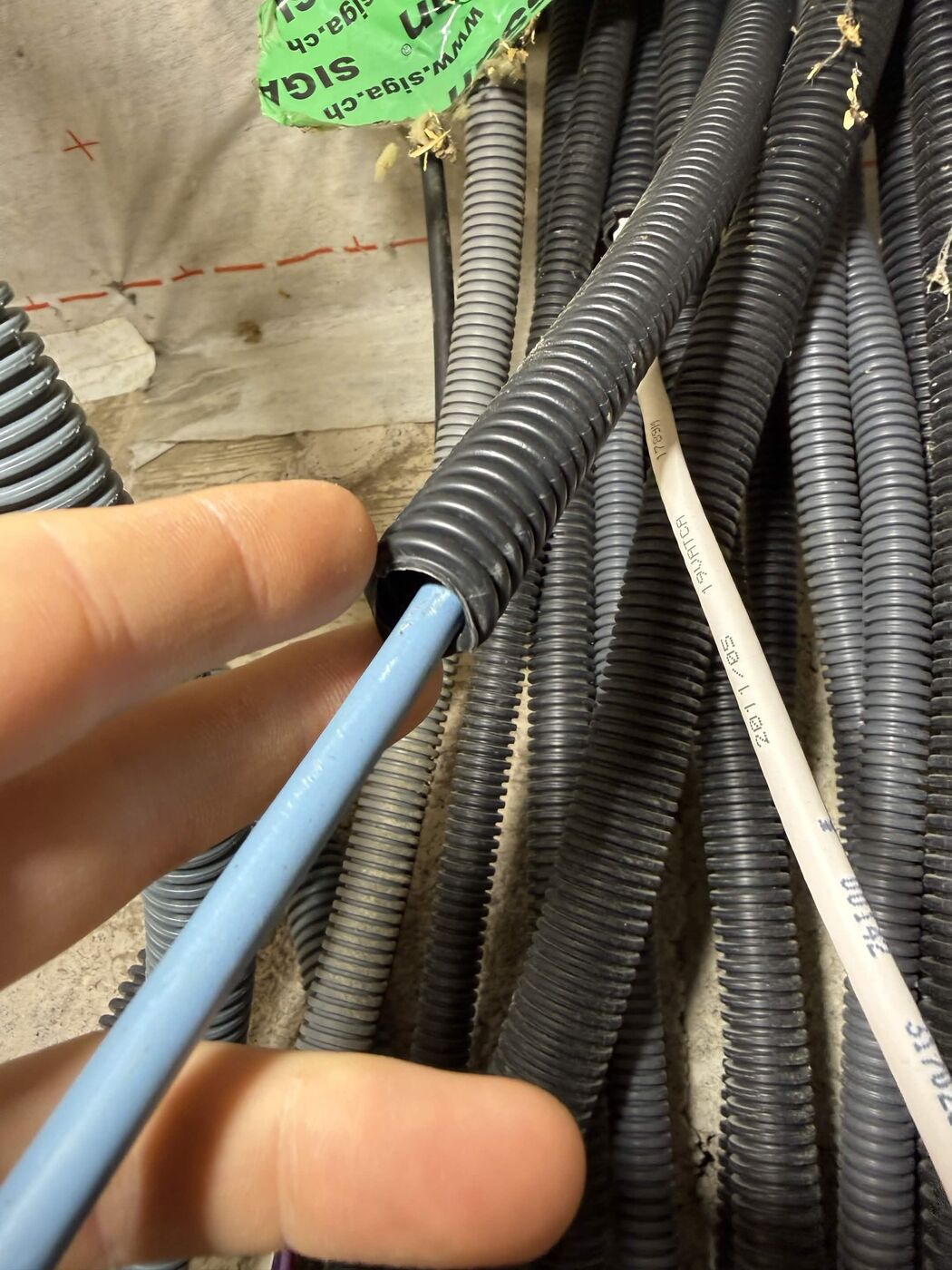
The coaxial conduit, previously dedicated to the rooftop antenna, was reused as a sleeve to run the Cat6 Ethernet cable up to the bedroom: a clean replacement of the antenna with internet cable, without having to drill a new opening.
Cable outlet and wall socket installation
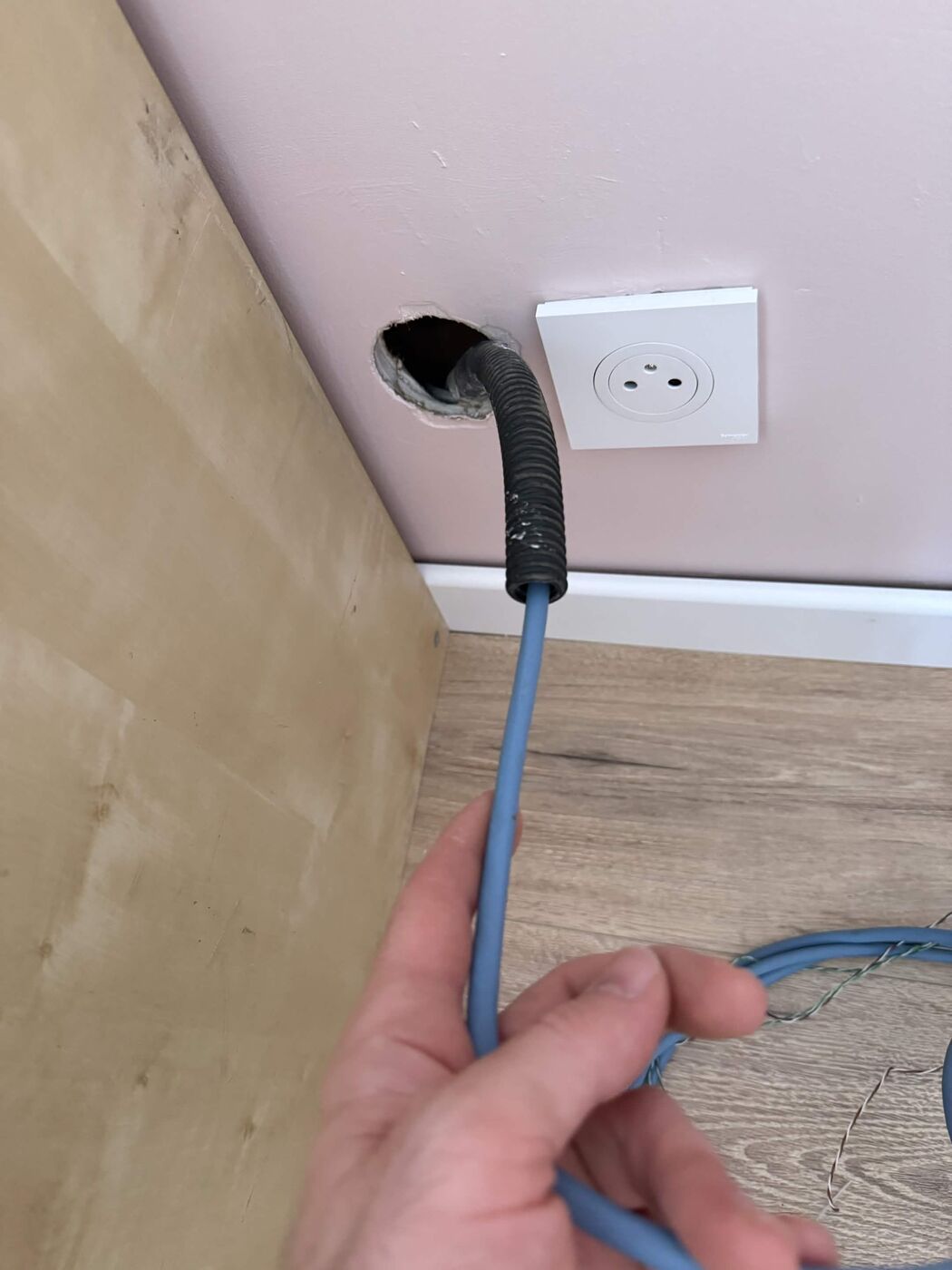
Connecting the RJ45 socket
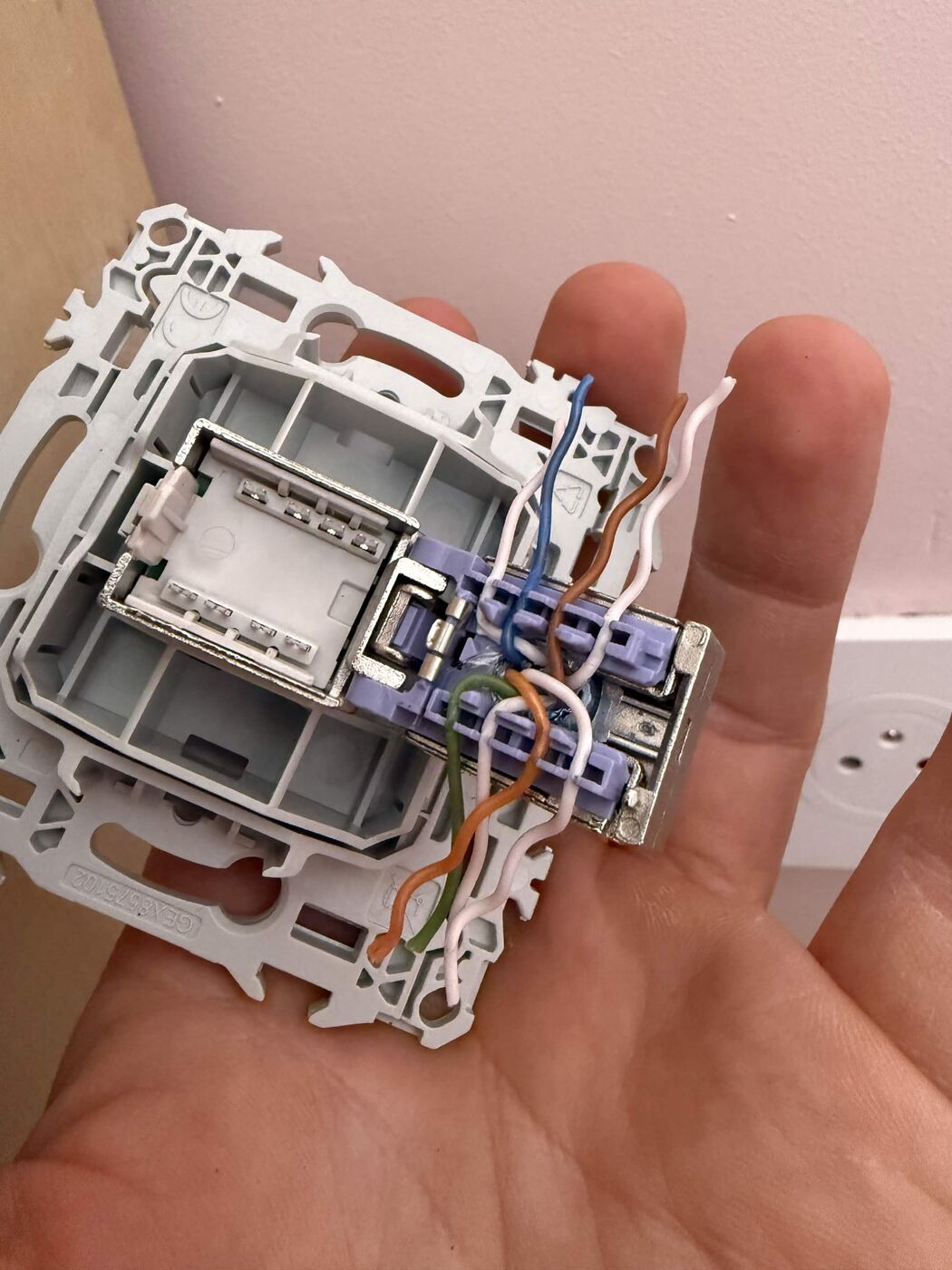
Each wire is carefully stripped and crimped onto the RJ45 connector, following the correct pair order to guarantee an optimal signal.
Checking the level
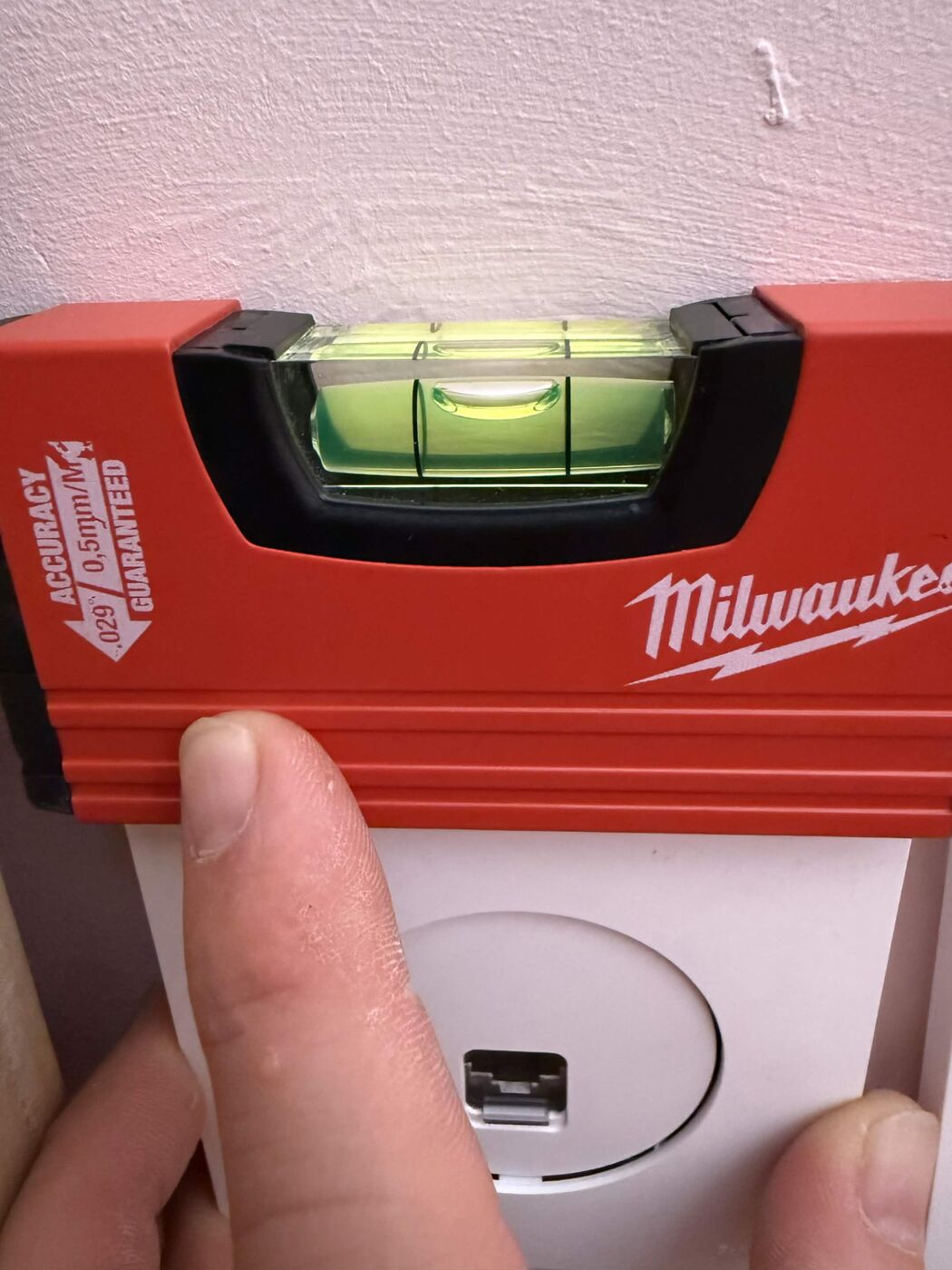
As with any wall socket, checking the level ensures a straight, tidy finish.
Speed test in the bedroom
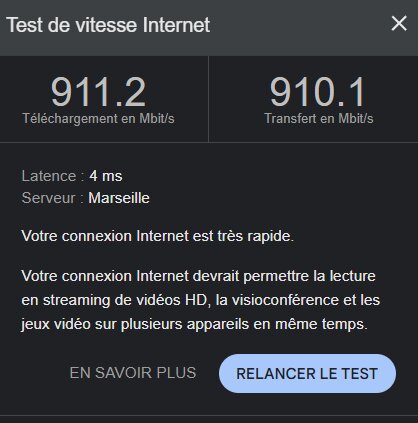
The test carried out in the bedroom confirms the result: 911.2 Mbps download, 910.1 Mbps upload, 4 ms latency. The client now enjoys the full power of their fibre connection upstairs, wired and independent of WiFi, without any major work or new drilling required.
Maintenance and best practices
- Never bend an Ethernet cable at a right angle
- Avoid running Ethernet cables directly alongside high-power electrical cables
- Protect cables in trunking in areas of heavy foot traffic
- During renovation work, install extra conduits to anticipate future needs
For any questions or additional information, you can reach us at 06 95 62 24 33, Monday to Friday from 9am to 6pm. Outside these hours, this line is reserved for emergencies, available 24/7.